01
Approved products and variants
Show employees only the garments, sizes, colours and product variants available within their customer's approved range.
EmployeeApproved itemsAvailable balance
Controlled resultGuided self-service
Employees sign in to your supplier-branded online store and order the uniforms available to them through their business customer's account. B2B Orderly applies customer-specific product access, allowances and approval rules without relying on spreadsheets, emails or manual order entry.
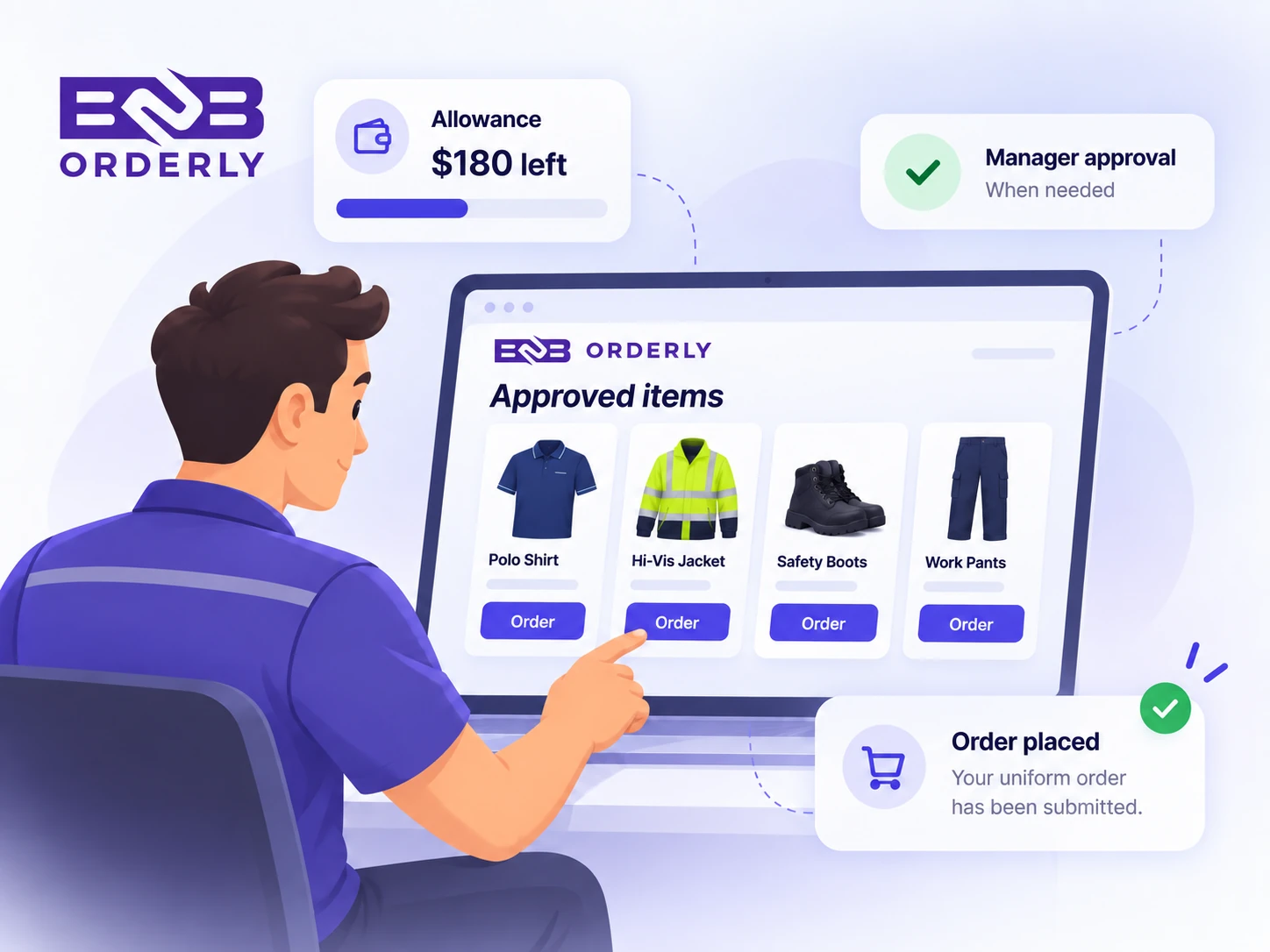
B2B Orderly is an employee uniform ordering system that allows staff to order from the uniform products approved for them. Suppliers and business customers can control available products and variants, employee allowances and approval rules before an order reaches the supplier.
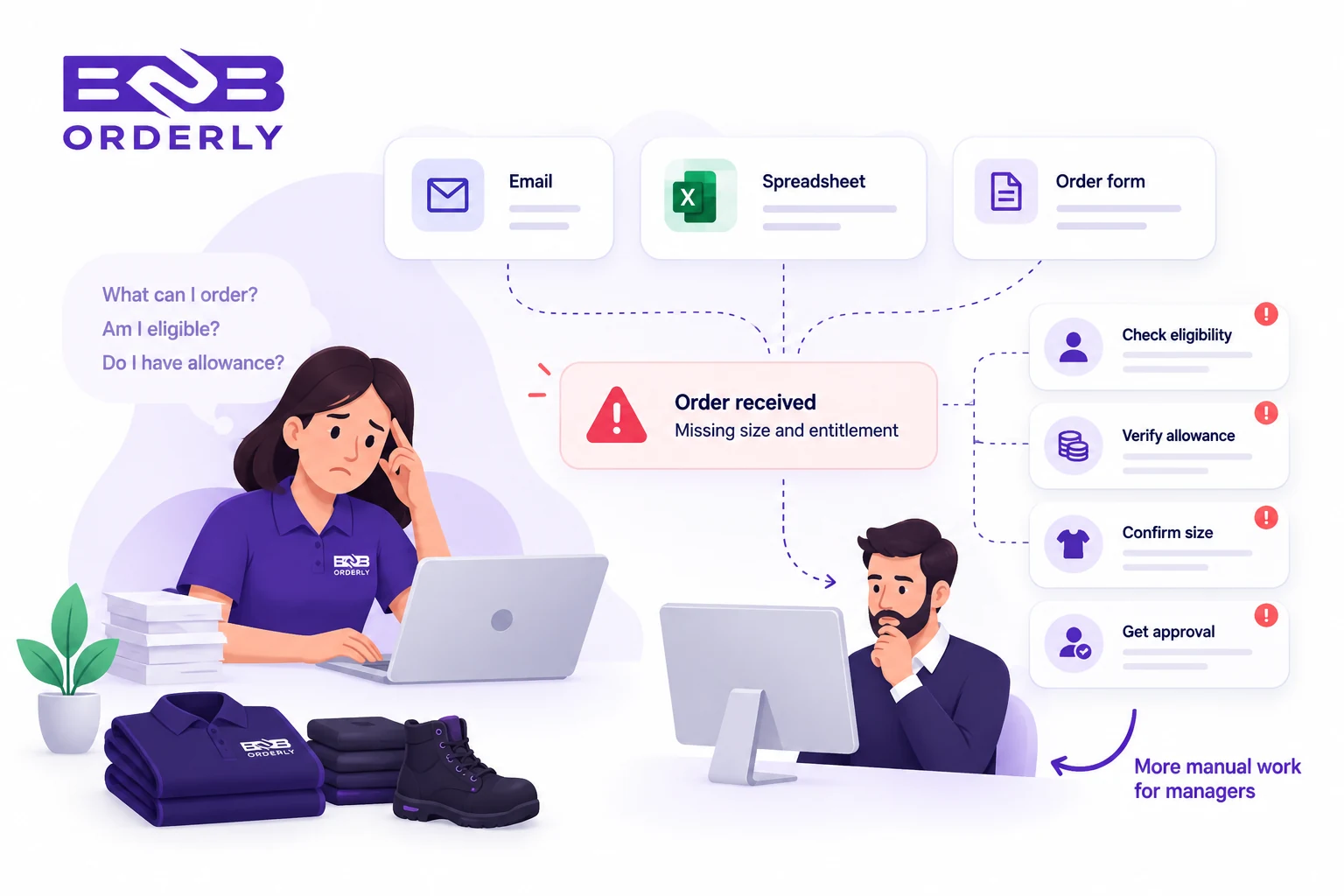
When employees send sizes, replacement requests and uniform orders through emails, spreadsheets or managers, someone still has to check what each person is allowed to receive. Different roles, approved products, allowances and approval requirements make that process harder as employee numbers grow.
Employees do not know which products they can order
Managers repeatedly check uniform eligibility
Sizes and variants are collected manually
Allowances and approvals are checked through separate messages
Supplier staff re-enter employee orders
Replacement and repeat orders create more administration
Employees do not need to browse the supplier's entire catalogue. Their ordering experience can be limited to the products and variants available under the customer's uniform programme and the employee's assigned role.
Show employees only the garments, sizes, colours and product variants available within their customer's approved range.
Assign employees to roles or groups so warehouse staff, drivers, supervisors and office teams can see the uniform range that applies to them.
Make an employee's available allowance or allocation visible while they order, with customer-defined rules applied to the request.
Route orders for review where required, then give authorised customer users visibility of order status and history.
Different roles can have different uniform requirements. The customer or supplier defines the setup, then employees see the products and ordering rules assigned to their role or group.
Example: A warehouse employee might see polos, trousers and an approved jacket, while a supervisor can have access to additional garments.
Uniform allowances can define how much an employee is entitled to order. Employees order within the rules assigned to them while customer administrators retain visibility over the programme.
Explore employee uniform allowancesEmployees can sign in, review the uniform products available to them, choose the correct sizes and colours, and submit their own order without manual order entry.
Read the employee uniform ordering guideCustomer administrators can manage employees and oversee ordering rules while employees handle routine ordering themselves. An authorised manager can also order on behalf of an employee when self-service access is not suitable.
Self-service does not mean no control. Approval rules can be used where an order requires additional review before it continues through the ordering workflow.
Employees returning for replacement or additional approved items can use the same structured ordering experience. When someone joins or changes role, an authorised user can align their access with the current uniform setup.
The employee accesses the supplier's online store using their authorised account.
Products and variants are shown according to the employee's assigned setup.
Applicable allowances and approval requirements are applied before submission.
The order is submitted, reviewed where required and enters the supplier's normal order workflow.
Order readyYes. Employees can use the supplier's online store to view the approved products available through their business account and place their own orders.
Yes. Employees can be assigned to roles or groups that determine which products and ordering rules apply to them.
Yes. Allowances can control employee spending or entitlement and help customers manage uniform budgets.
Yes. Approval rules can be applied when an employee order needs additional review before continuing through the ordering process.
Yes. An authorised manager can order on behalf of an employee, including when that employee does not have portal access.
Yes. Employees can select from the product variants available within their approved range, such as permitted sizes and colours.
Yes. Suppliers and business customers can define the approved products and variants available to each customer.
An authorised customer user can align an employee with the uniform setup assigned to their role, so their ordering access reflects the current programme.
Request a guided 14-day trial to explore how approved product ranges, employee roles, uniform allowances and approvals work together in B2B Orderly.