01
Set employee uniform allowances
Give each employee a defined spending allowance or entitlement so they understand what is available for uniform ordering.
Allocation periodBalancePolicy limits
Controlled resultLive entitlement
Set clear uniform allowances and entitlements for each employee, role or customer. B2B Orderly helps businesses control what staff can order, track available balances and apply approval rules when an order needs additional review.
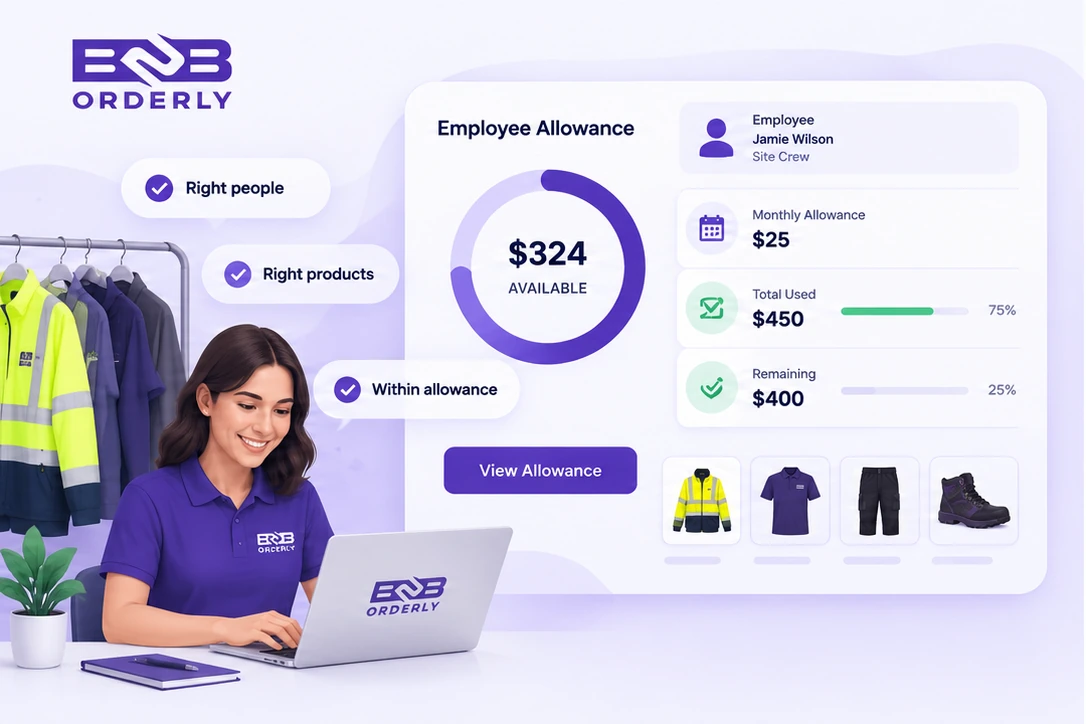
B2B Orderly is employee uniform allowance and allocation software for suppliers and business customers. It allows organisations to assign uniform entitlements to employees or roles, track available balances and control ordering with limits and approval rules.
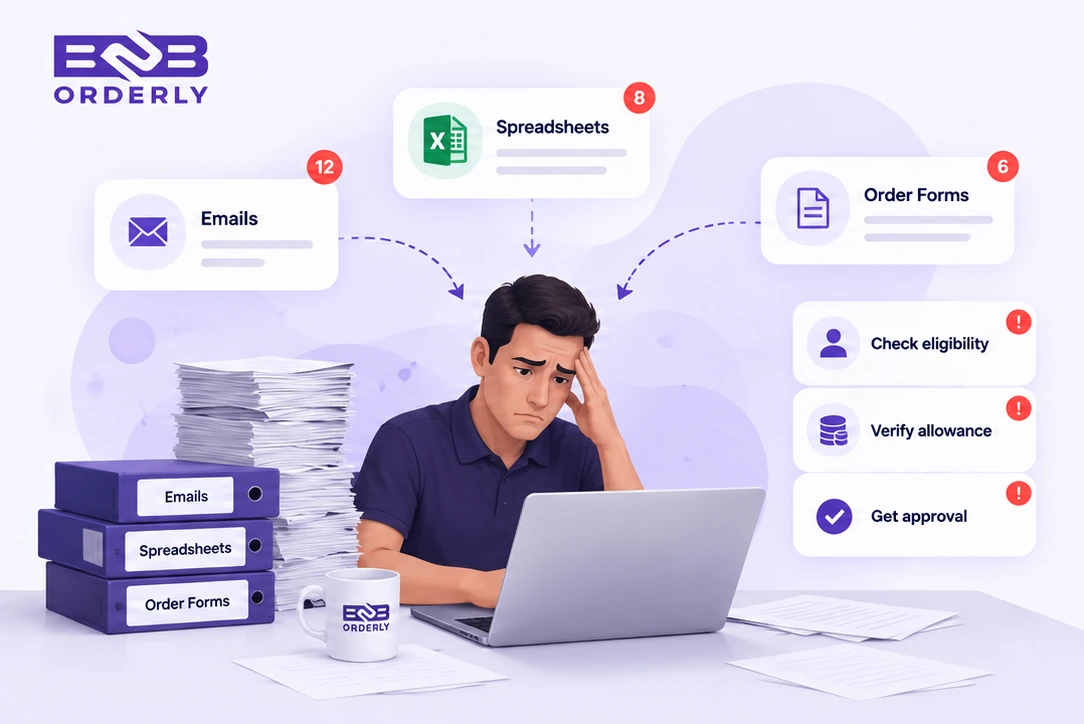
Employees may have different uniform requirements depending on their role, location or customer policy. Some receive a fixed budget, some receive specific items, and others need approval before ordering beyond their normal entitlement. Managing those rules in spreadsheets makes balances, eligibility and approvals harder to track.
Different employees have different allowance levels
Roles may have different entitlements
Managers manually check remaining balances
Allowance renewals and role changes need manual updates
Orders above entitlement require separate review
Apply each customer's allowance or entitlement rules within the supplier's online store, alongside the approved catalogue and employee ordering setup.
Give each employee a defined spending allowance or entitlement so they understand what is available for uniform ordering.
Apply different product and budget entitlements to roles such as site staff, supervisors or office employees.
Use recurring periods, carry-forward and maximum balance settings where they match the customer's programme.
Send requests outside normal rules to an authorised approver instead of resolving them through a separate email exchange.
Employees can order against the allowance available to them, helping customer administrators keep uniform spending within the limits assigned to each employee.
A warehouse employee, driver, supervisor or office worker can be assigned the product access and allowance rules appropriate to their role. This is an illustrative setup, not a universal entitlement model.
When a new employee is added or changes role, an authorised customer user can align their allowance and uniform access with the programme used by the customer.
Self-service ordering does not remove management control. Requests outside normal rules can follow the configured approval process before the supplier fulfils the order.
Allowances are most useful when applied directly to the ordering experience. Employees can select from their approved uniform range while B2B Orderly applies the allowance and ordering rules associated with them.
See how employee uniform ordering worksAuthorised customer administrators can manage employees and oversee the allowance rules used by their organisation without asking the supplier to handle every routine change.
Explore uniform supplier programme management Read the employee uniform allowance guideDefine the allowance or entitlement used by the customer's uniform programme.
Apply the appropriate setup to the people who should receive it.
Staff order from the approved uniform range available to them.
The employee's allowance and relevant ordering rules are applied.
Orders needing additional review follow the configured approval process.
The resulting order enters the supplier's normal fulfilment workflow.
Order readyAn employee uniform allowance is a defined amount or entitlement an employee can use when ordering approved uniform items. B2B Orderly connects that allowance to the employee's ordering experience.
Yes. Allowance settings can be assigned according to the employee or the uniform programme used by the customer, depending on the configured setup.
Yes. Customers can define different product and budget entitlements for roles such as site staff, supervisors or office employees.
Yes. The ordering experience can show an employee's available allocation before submission, so the current balance is part of the ordering context.
Orders that require additional review can follow the configured approval process rather than proceeding without oversight.
Yes. Recurring allocation periods can support monthly, six-monthly or annual cycles, with carry-forward and maximum balance settings where required.
Yes. The same allocation model can support uniforms, workwear or PPE where applicable to the customer's employee programme.
Request a guided 14-day trial focused on employee allowances, role-based entitlements, approvals and self-service ordering.